First log out of OneNote:
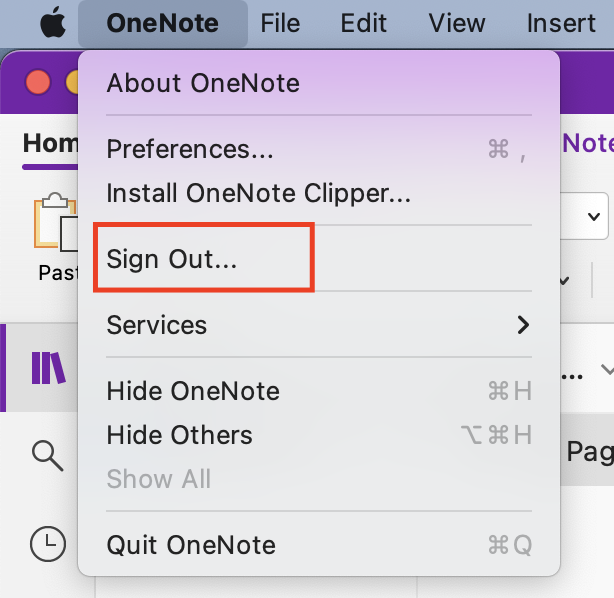
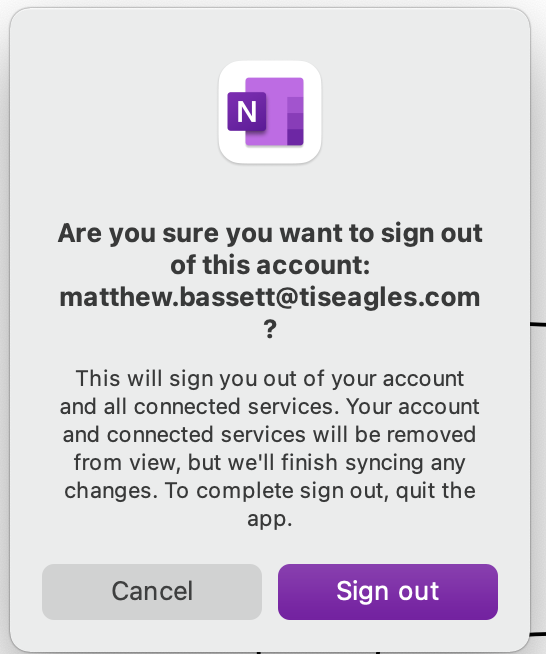
Click SignOut:
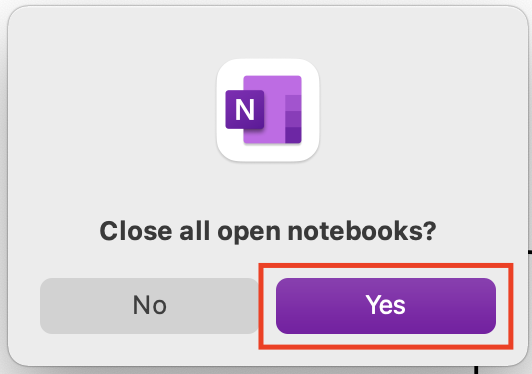
Choose “Close all open notebooks”
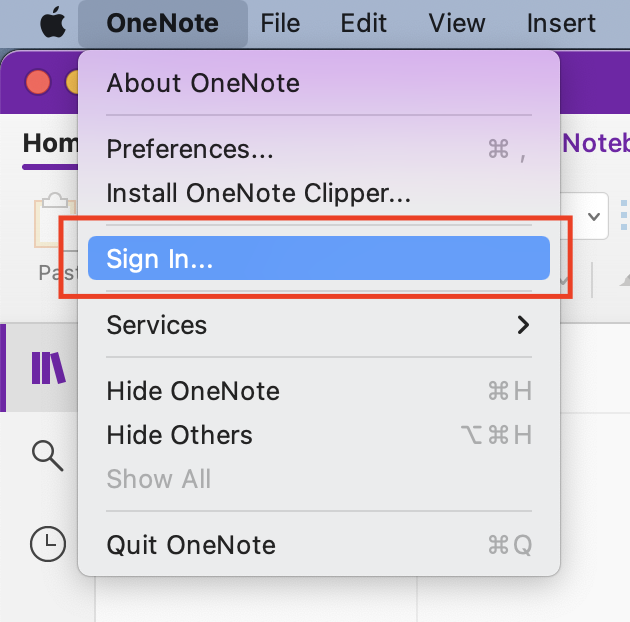
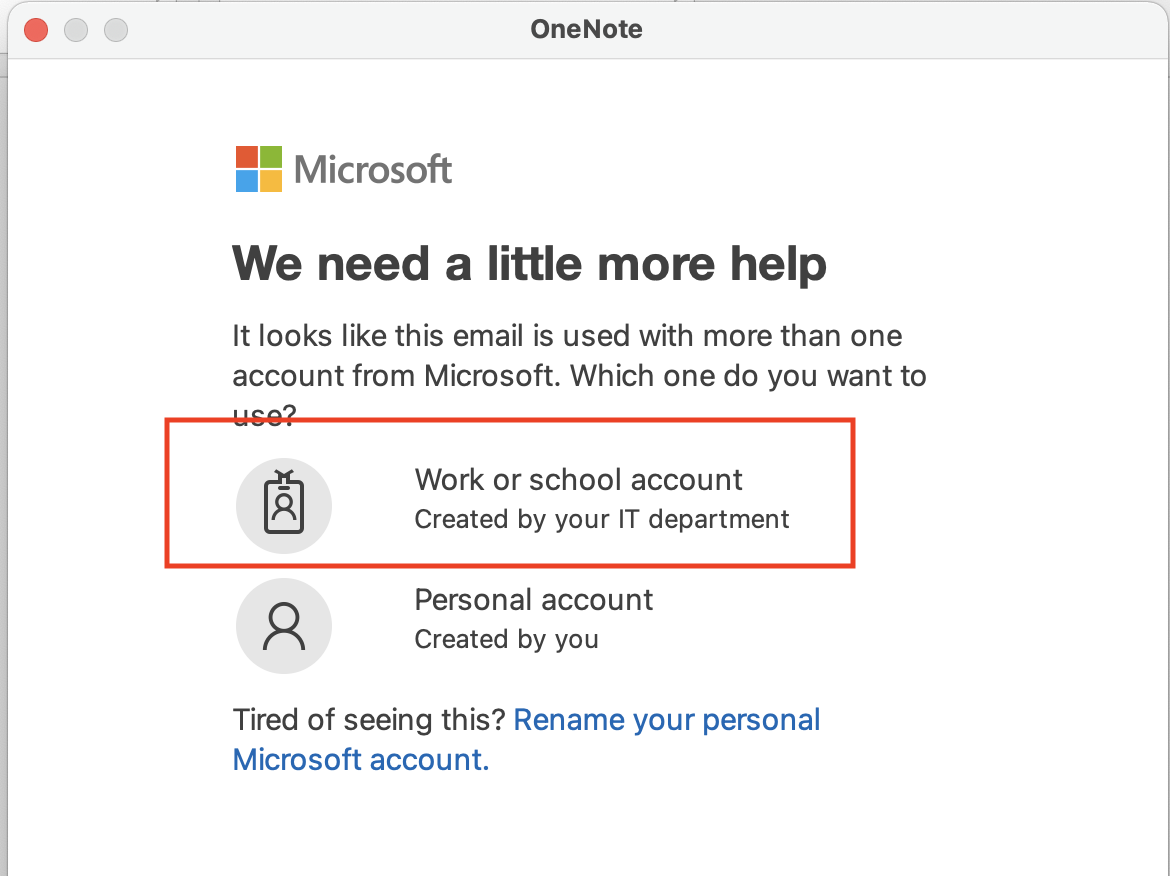
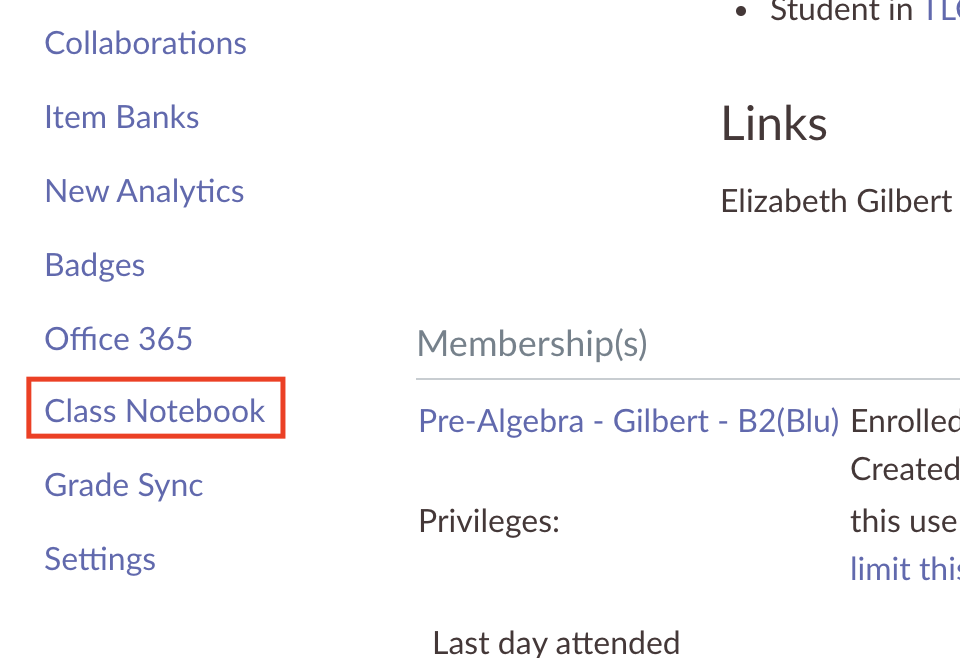
After signing in, if the notebook you are wanting to open is a class notebook created in canvas, you can go to canvas, and then click on “Class Notebook” in the left side listing:
If the notebook you are trying to open was not created through canvas, or if the notebook was shared with you go to https://www.onenote.com/ and find the notebook by clicking on My Notebooks or Shared with Me. The links from the Recents page will not work, as they contain the old paths. After the notebook is open in the web page you can click Open in Desktop app to open the notebook in your oneNote app
After this the Recents tab should be populated with the new links, and things should function normally.