– To Log into your Office 365 account go to https://www.office.com and click sign in
– Use your TIS email address for the username firstname.lastname@tiseagles.com
– Use the password you use to log into your computer
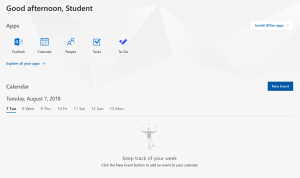
– You can use this same username and password to log into your Microsoft Office apps on your Mac or iPad:
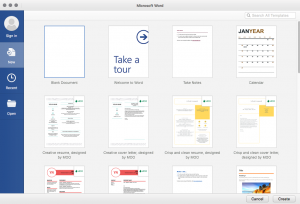
– Enter in your school email address:
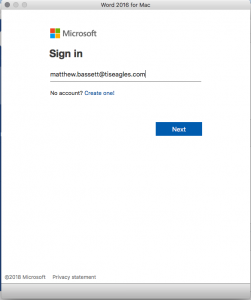
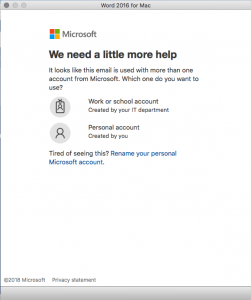
– Then Choose Work or school account:
– Enter your password (Same password you use to log into your school provided computer)
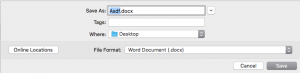
– Now when you type a word document you will have the option to store it locally on your computer or in your One Drive account
– When you save a document choose “Online Locations” if you want to save a document to OneDrive If OneDrive is automatically chosen, you can choose “On My Mac” to save a file locally: