For teachers, please login PowerTeacher: https://powerschool.tiseagles.com/teachers
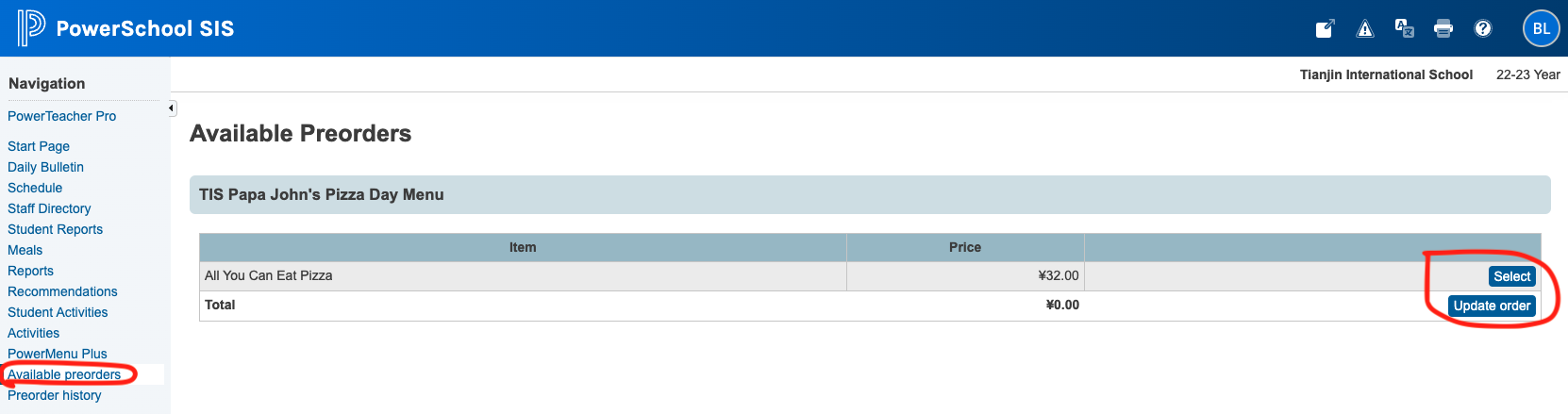
After login, you can see “Available Preorder” on the left toolbar. If we have available preorder, you will see the following attached picture. “Select” and “Update order” and you’ve done.
For staff, who has Powerschool Admin account, please login PowerSchool: https://powerschool.tiseagles.com/admin
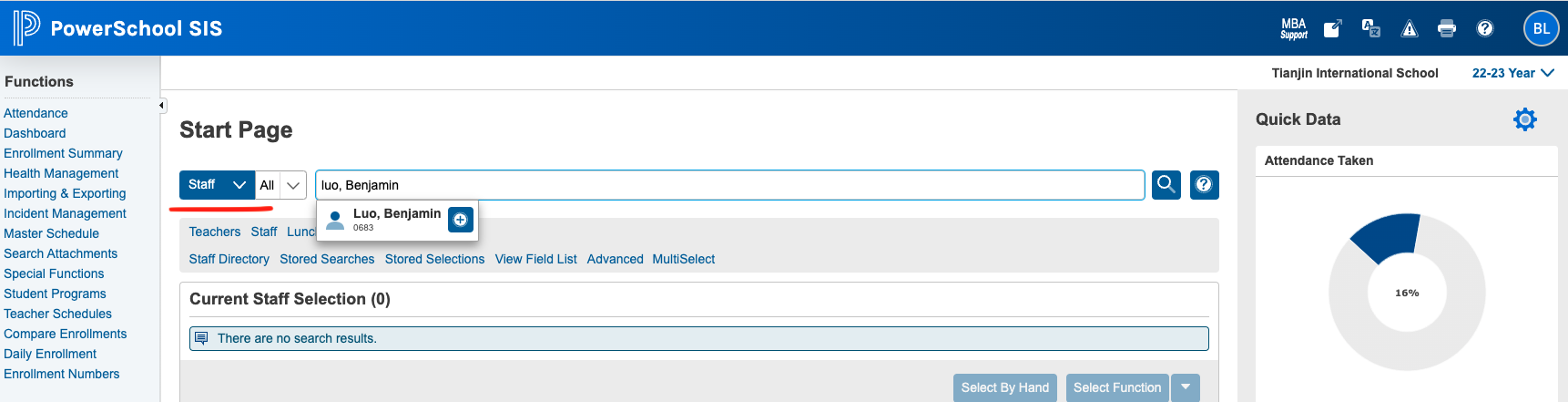
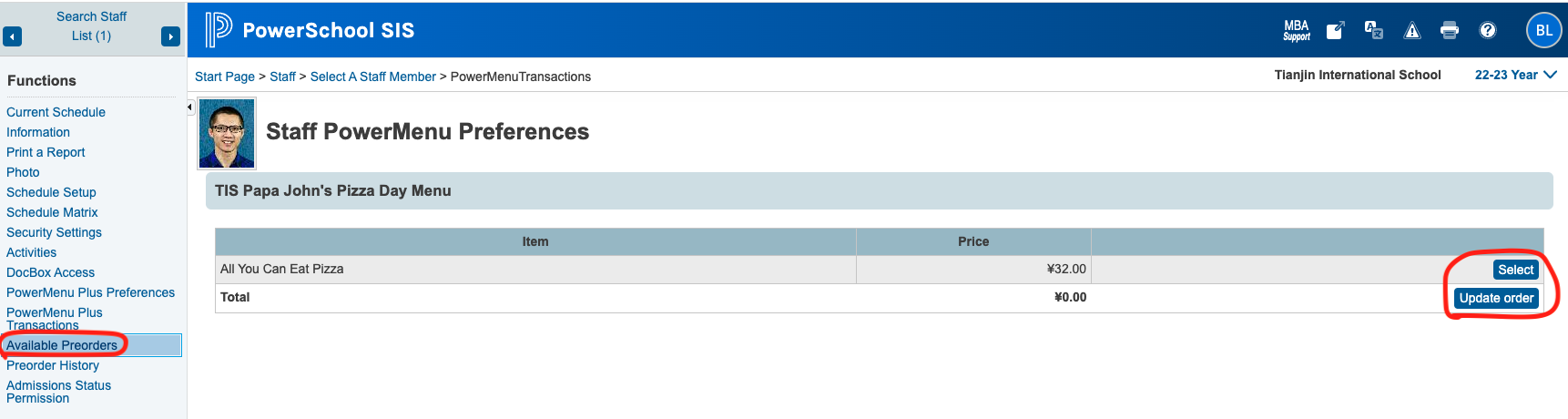
After login, find “staff” tab, to search your name. And then you can see “Available Preorder” on the left toolbar. Click select and update, you’ve done.