Downloading Software from Filewave:
-Choose the red flag icon in the top right of your computer screen (it may take up to 120 seconds to show after you start your computer up) If you don’t see the flag, visit IT: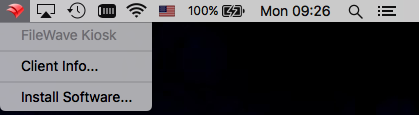
-Choose “Install Software”
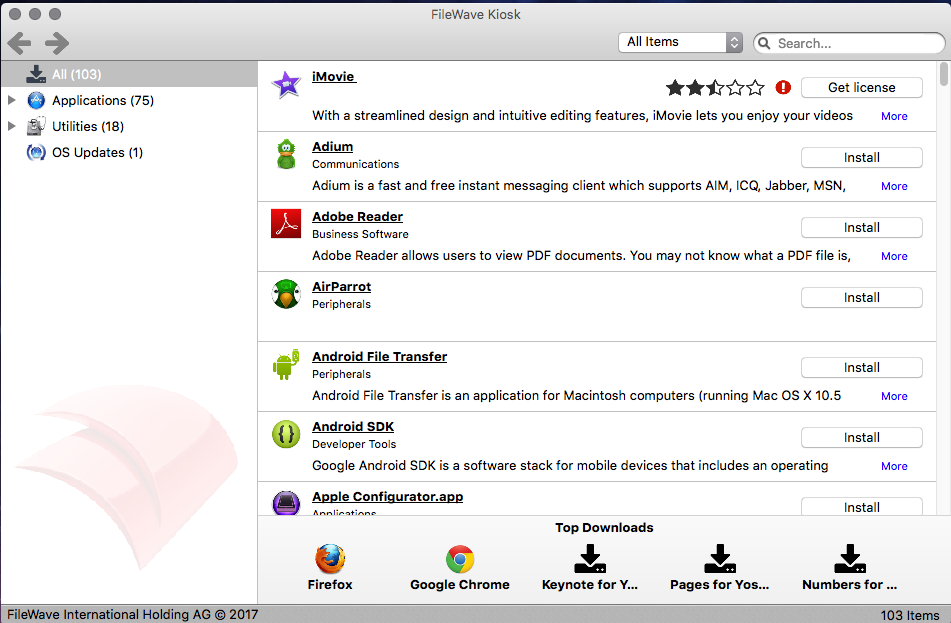
-You should now see the filewave kiosk, from here you can browse the available software and choose install on anything that interests you: