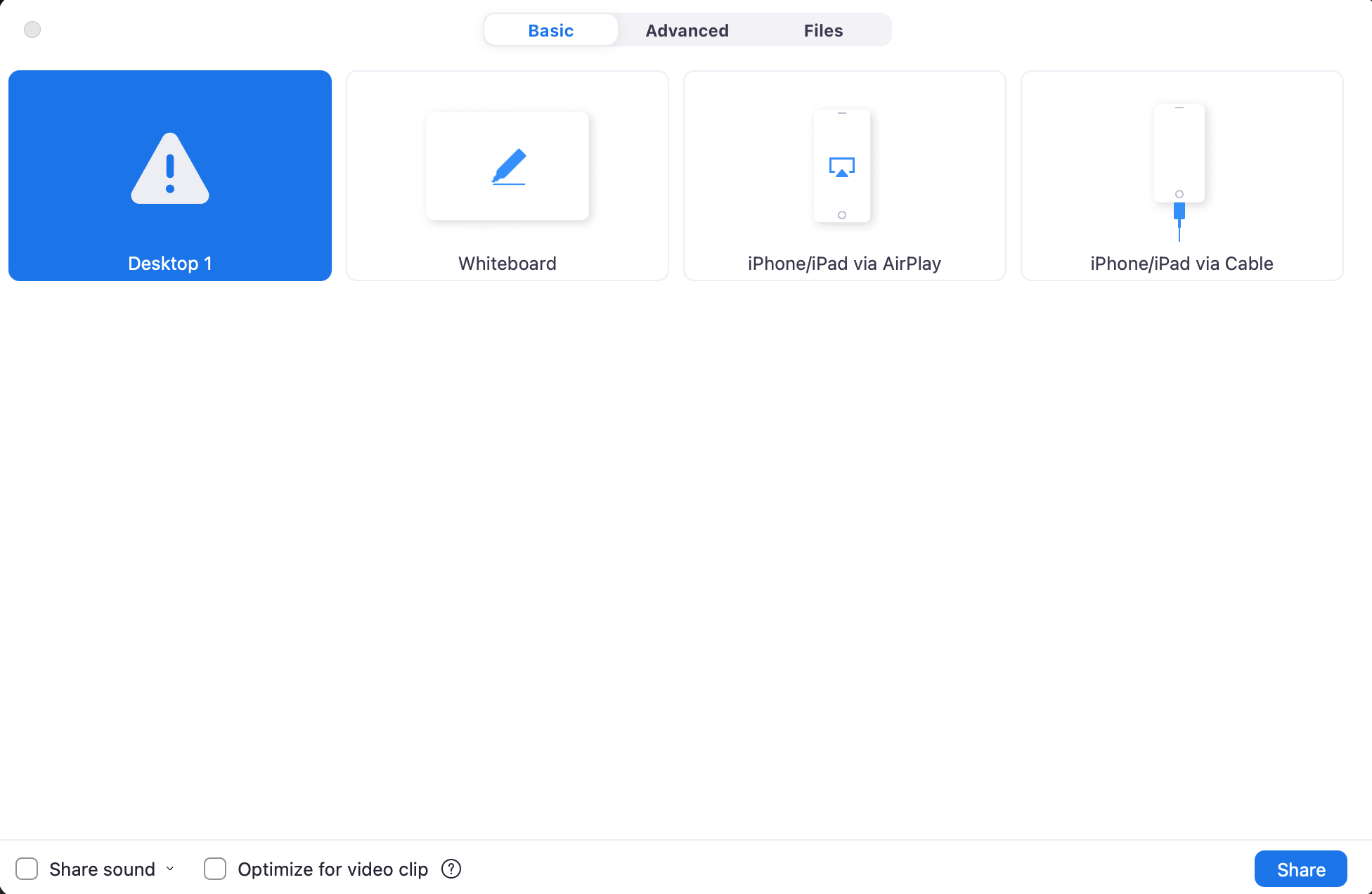
If you see this when you are trying to share your screen you can follow these steps to enable screen sharing.
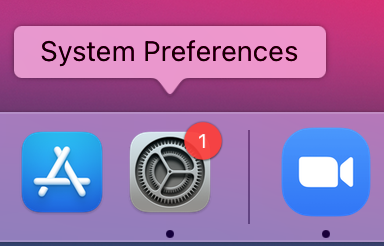
1. Go to System Preferences
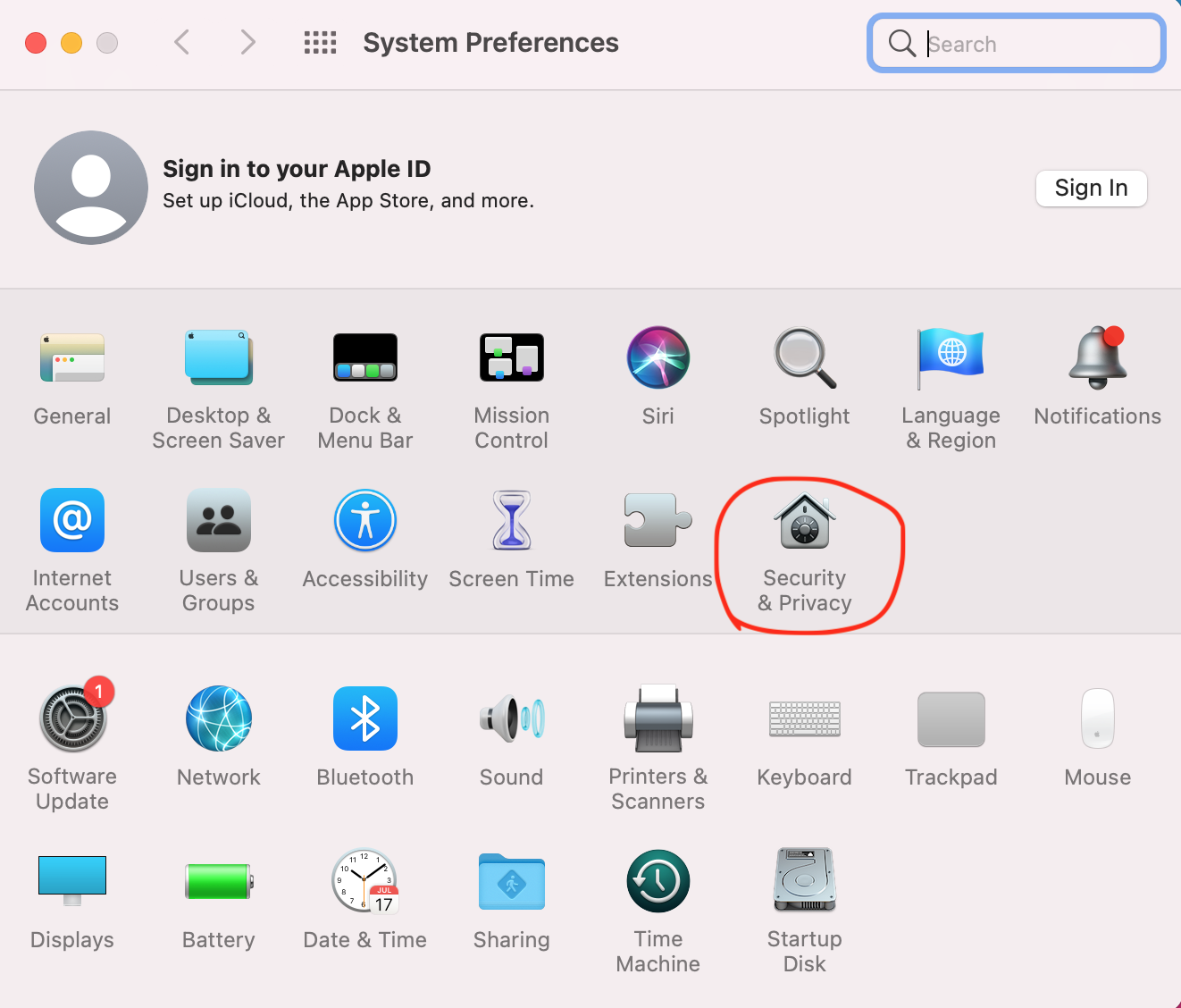
2. Go to Security & Privacy
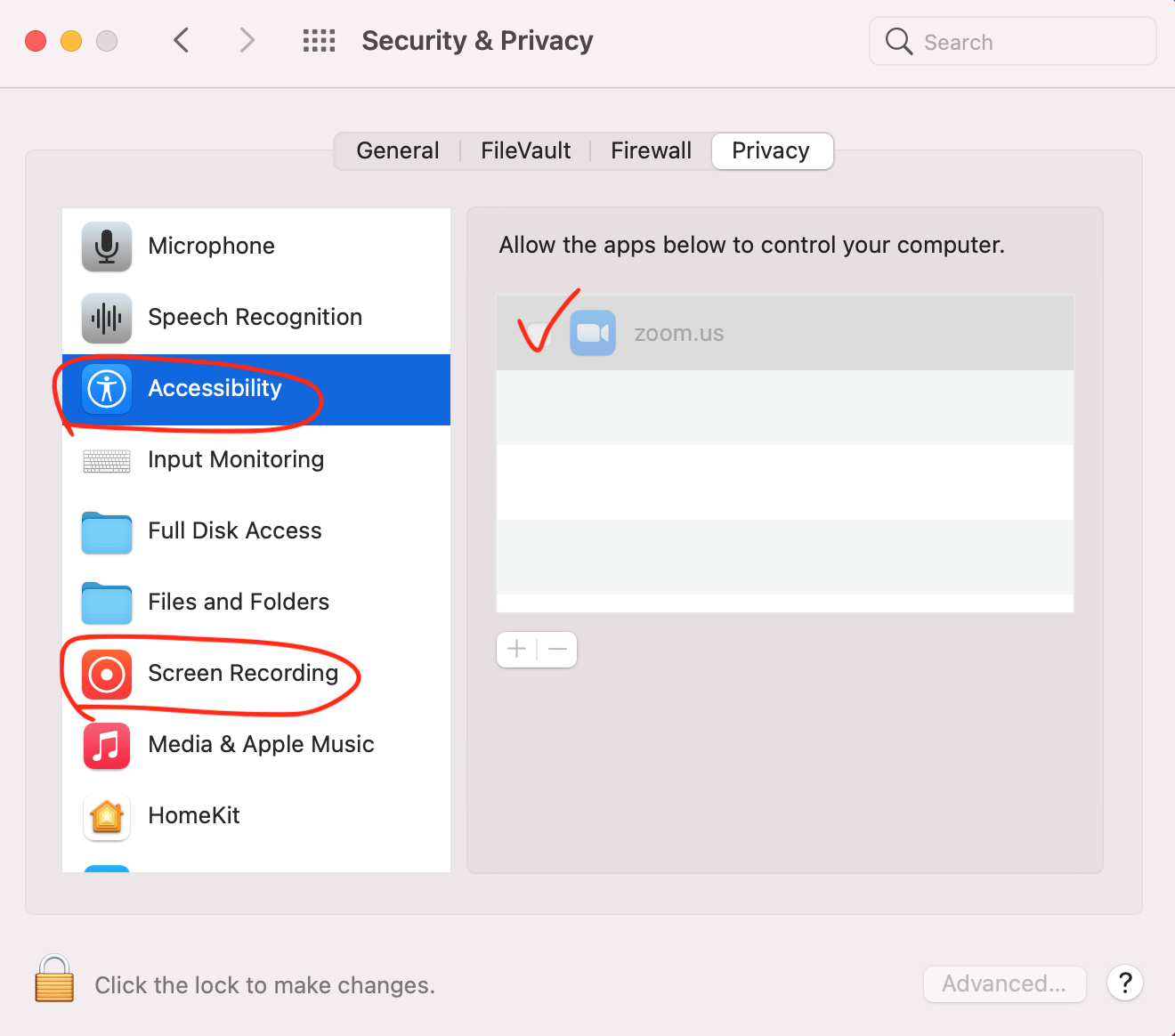
3. Unlock to allow changes
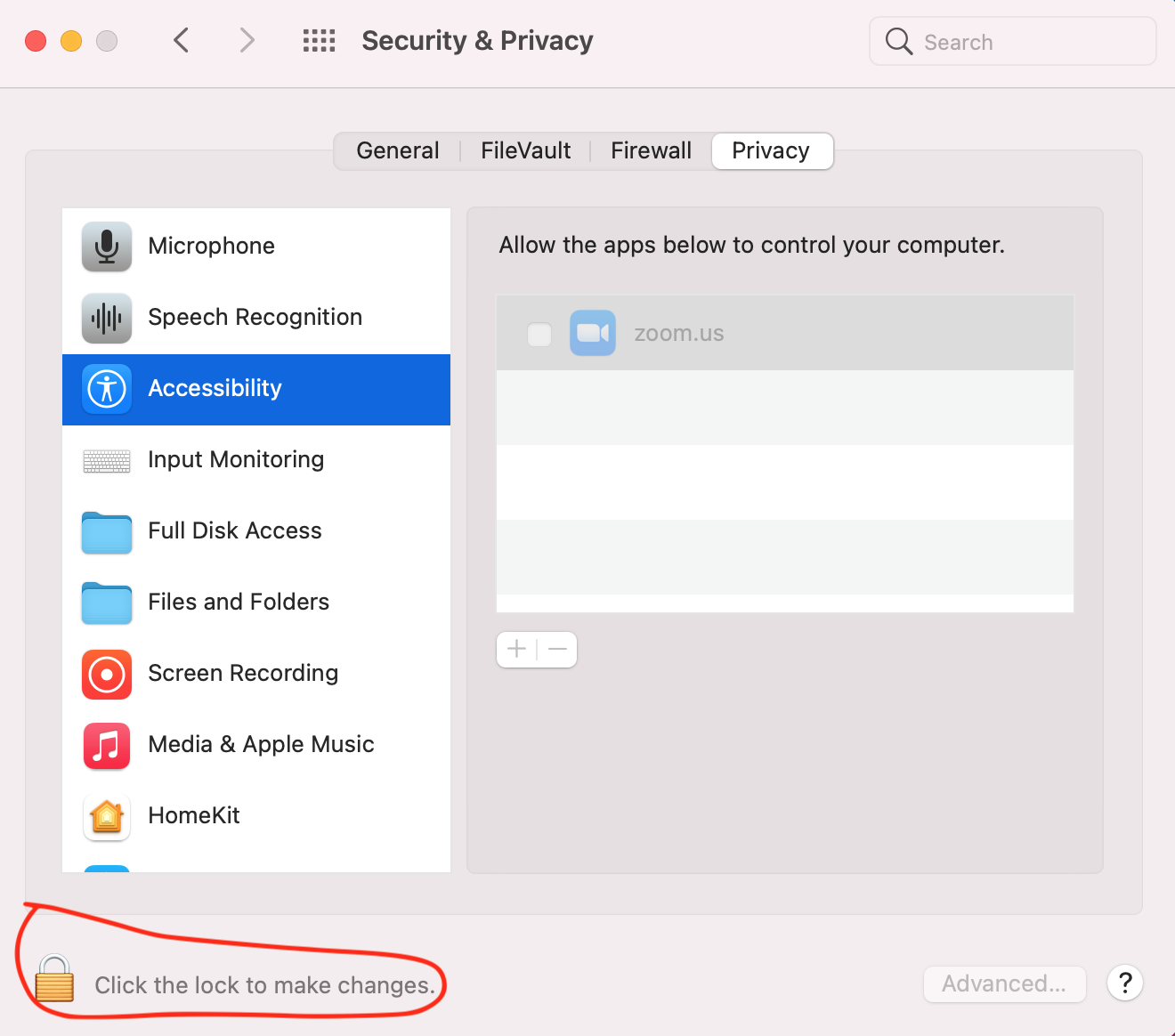
4. Scroll down to Accessibility and check the box for zoom.us. Do the same thing for Screen Recording. You will need to restart Zoom after these.