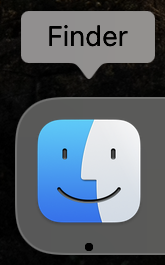
To Connect to the Fileserver. Make sure you are either on campus connected to TIS-TEACH, or at home connected to the TIS-VPN, then open Finder:
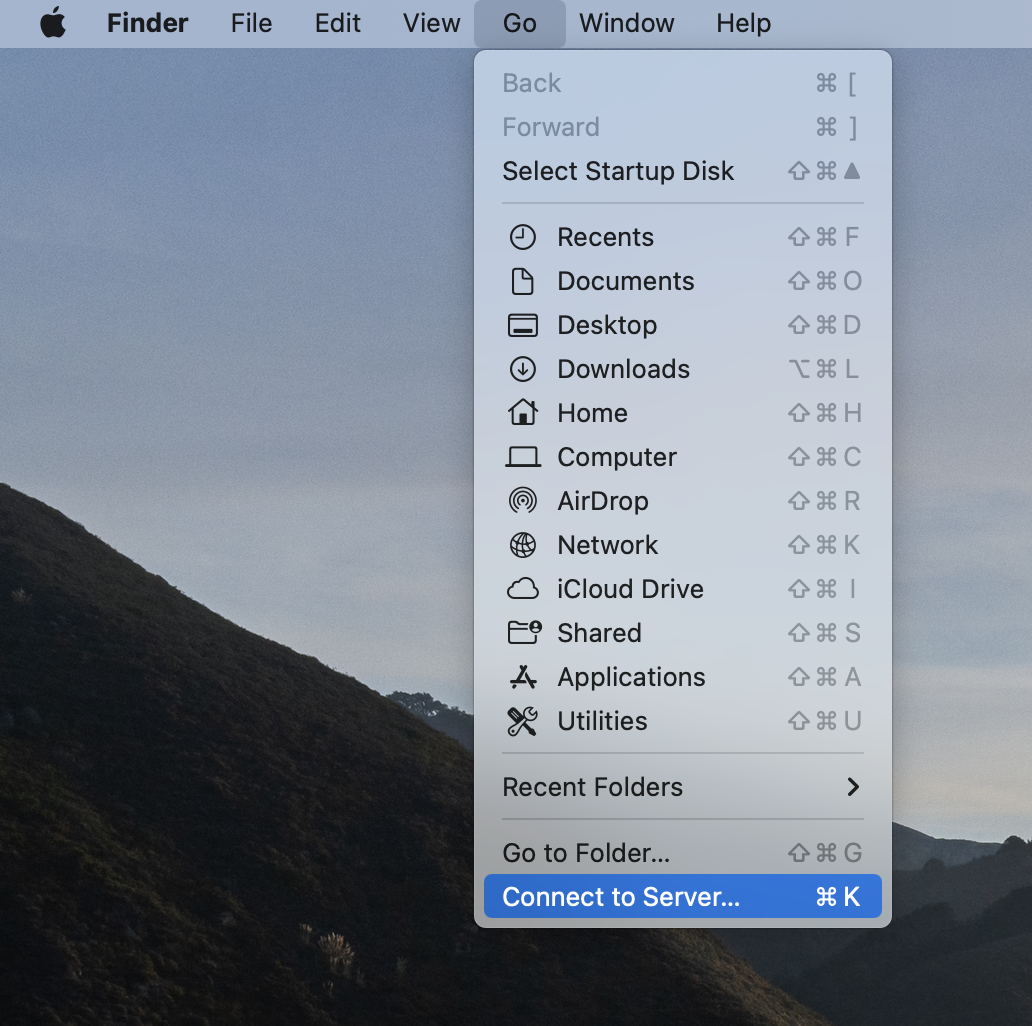
Then in the “Go” menu choose “Connect to Server”
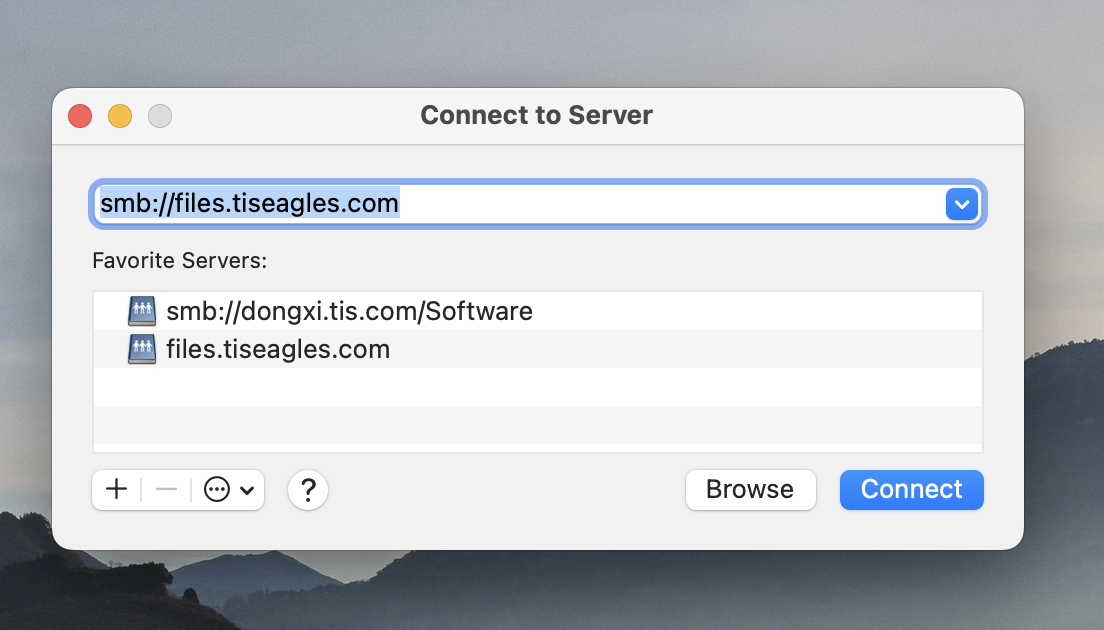
Type in smb://files.tiseagles.com and then click Connect:
It should pop up with FileServer selected:
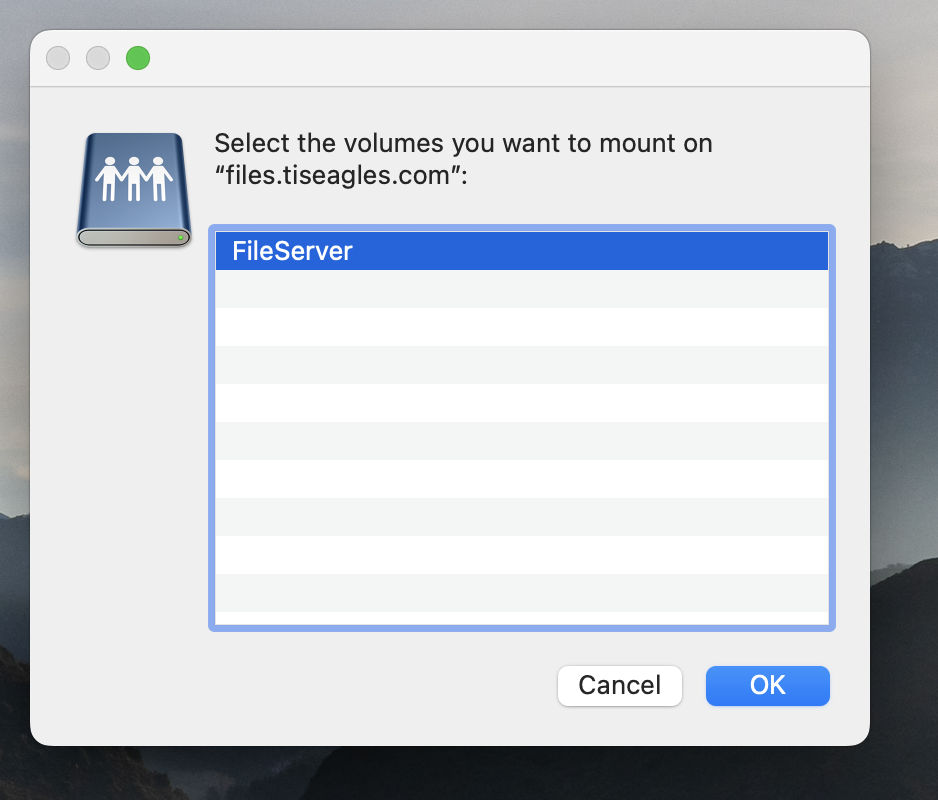
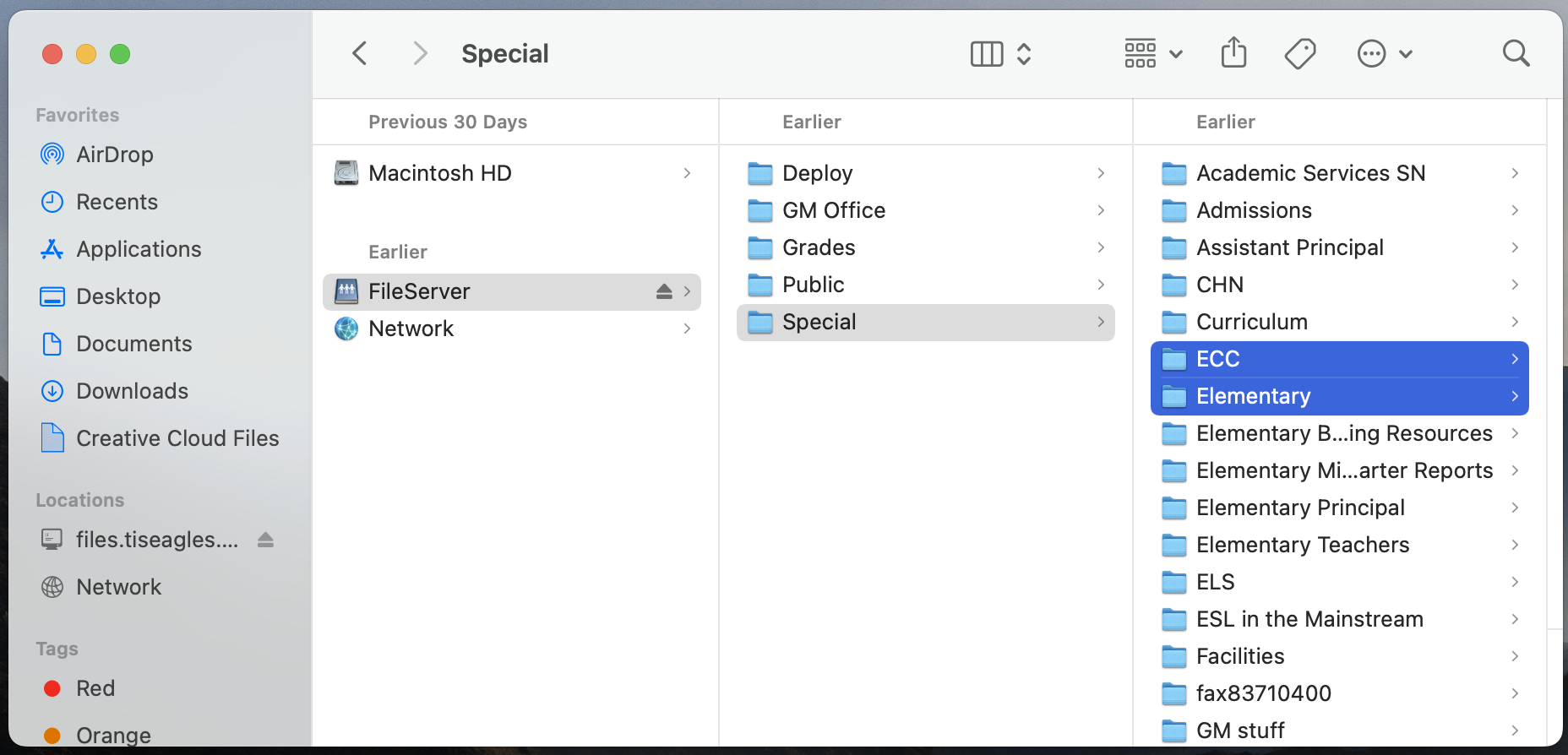
Click OK. You should now see the folders you have access to:
If you have any issues, or do not have access to a resource that you need, please contact IT at helpdesk@tiseagles.com