**DO NOT JUST CLICK THE CALENDAR LINKS OR COPY INTO A BROWSER**
- IF you click the calendar links directly instead of adding them as a subscription then it will just add the events to your calendar, and you will not receive updates!
We have several calendars that we use here at TIS. One is our Staff Calendar, that has all of the events pertaining to teachers and employees (i.e. meetings, retreats). We also have an athletics calendar to keep up to date on athletic events.
How to add the Staff Calendar
Open Calendar:
Click on “File” –> “New Calendar Subscription”.
Copy and paste this link(Do not click it directly!): https://calendar.google.com/calendar/ical/rrqmacges6v12eec0n5slj50d8%40group.calendar.google.com/public/basic.ics
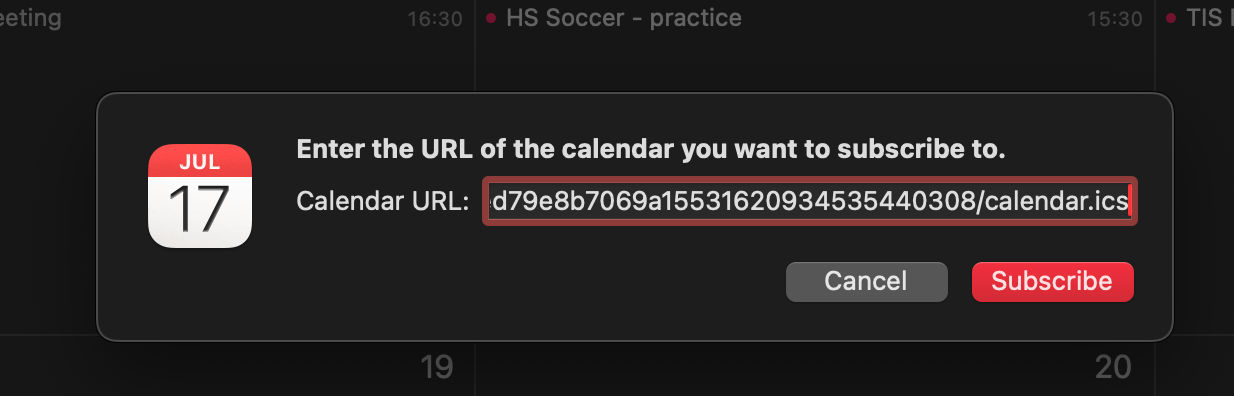
Click “Subscribe”.
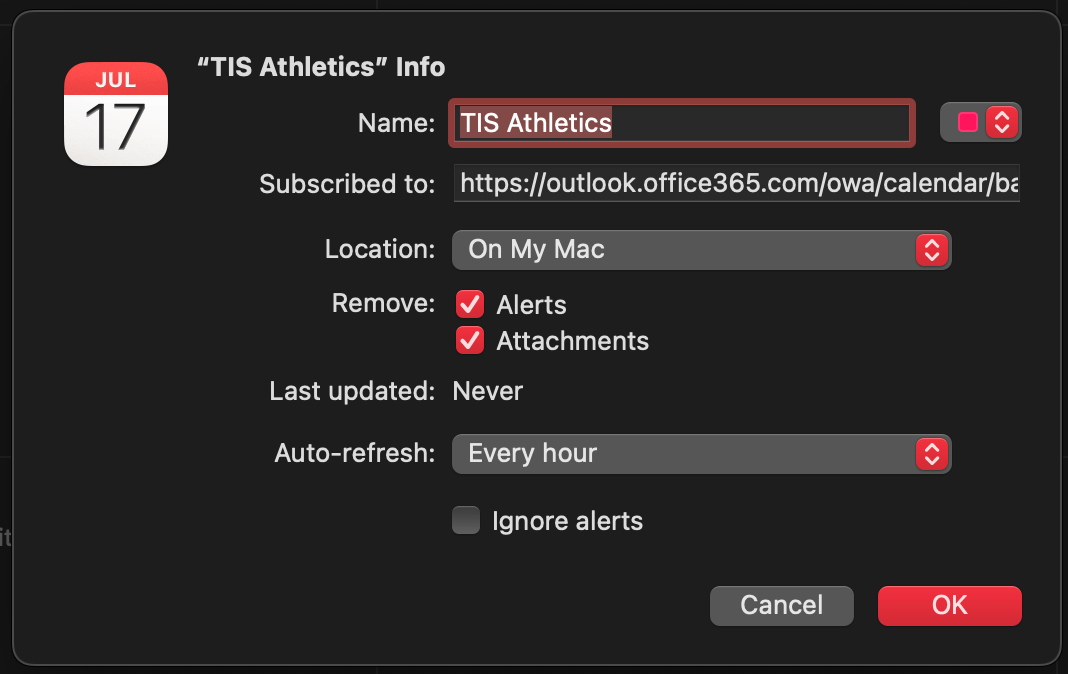
Choose the name of the calendar and whichever color you would like to use for the calendar, also be sure to choose the Auto Refresh
Auto-Refresh is probably sufficient at 1 hour, if you would like the calendar to update more
Any other questions or problems, please let us know!
Follow these steps to add the TIS Athletic Calendar