LANSchool is a piece of software that we use to monitor students at TIS. To install the software on your computer please to click on the red flag icon in the top bar in your mac

Then Choose Install Software. You should now see the Filewave Kiosk
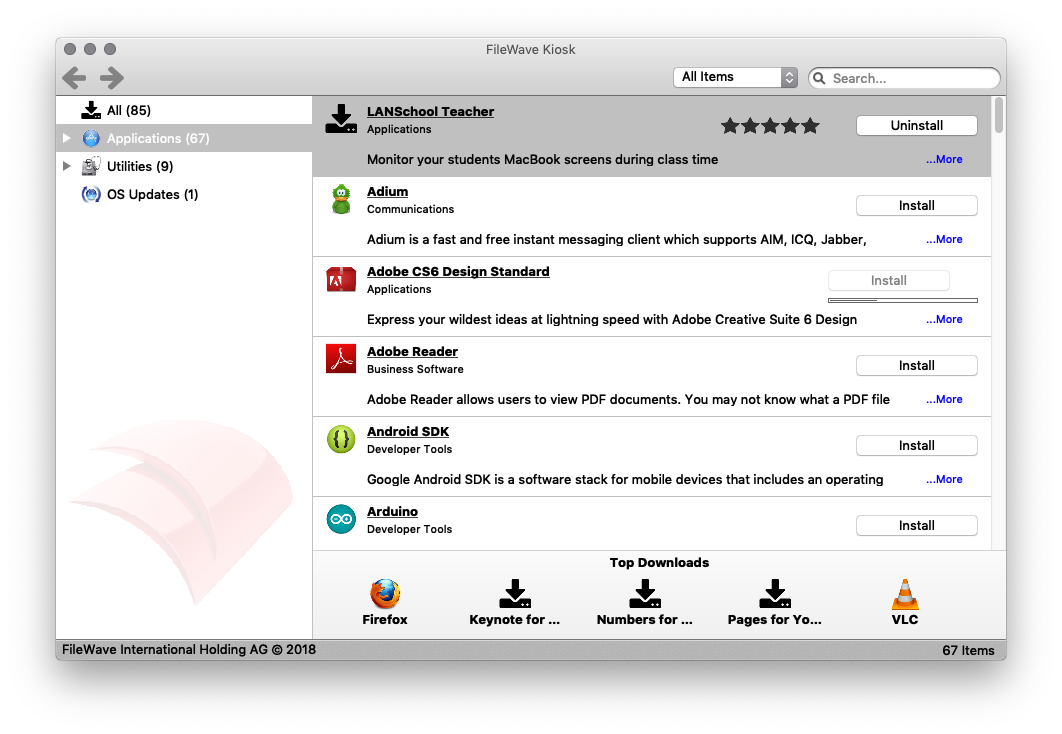
Choose Applications from the right side and then find LANSchool Teacher
Click Install to trigger the automatic installation of LANSchool teacher onto your Mac